Text to video AI
Text to video in MythShot means typing one line and picking a format: MythShot writes the script, makes the visuals, records the narration and adds subtitles; you edit and post.
This page is for creators who post on a schedule: a few Reels, Shorts or TikToks a week, without stepping in front of a camera or opening editing software. No camera, microphone or computer needed; every step happens on your iPhone.

Text to video in five steps
- 1
Write your idea
One line is enough: “What if you were an apprentice in a 1980s workshop?” or “Why are octopuses so smart?”. Lines that say who, where and what happens work best.
- 2
Pick a format
Eight formats set the shape of the telling: Countdown: Top 5 builds a list, Explained in a Minute answers one question, What If You Were…? drops the viewer into another era. Not sure? Pick Free Form.
- 3
Choose length and voice
A narrated video runs from 30 seconds to 5 minutes. For sound, choose narrated or silent with speech bubbles.
- 4
Render
The coin cost is shown before you render. MythShot writes the script, draws and animates the scenes, records the narration and adds subtitles; the video is vertical and 1080p.
- 5
Edit and post
In the editor, trim and add text, music, sound effects or stickers, and regenerate any scene you don't like. MythShot suggests a title, caption and hashtags for each platform; you post it yourself.
| Mode | What you get | Good for |
|---|---|---|
| Narrated single video | Voiced, subtitled vertical video; 8 formats | Facts, list and story channels |
| Silent with speech bubbles | Lines sit in comic-style bubbles; you pick the music | Sound-off feeds, comedy |
| Documentary | Chapters checked against sources; landscape or vertical | History, science, mysteries |
| Series episode | Your own characters, own voices, lip-synced | Character and comedy channels |
Formats at work
The format posters from the app. Tap one for a short silent preview; every frame of your video is generated for your idea.
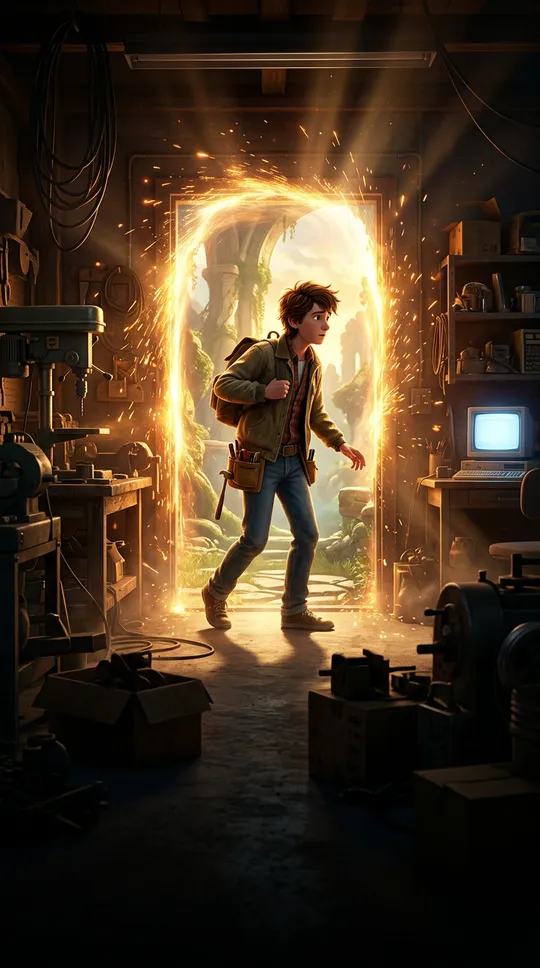
What If You Were…? · 60 s 
Countdown: Top 5 · 45 s 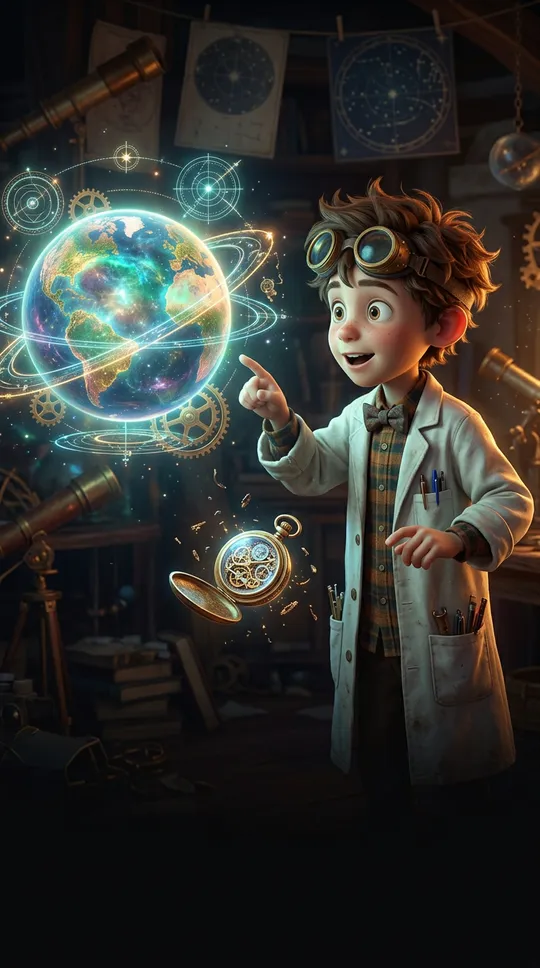
Explained in a Minute · 60 s 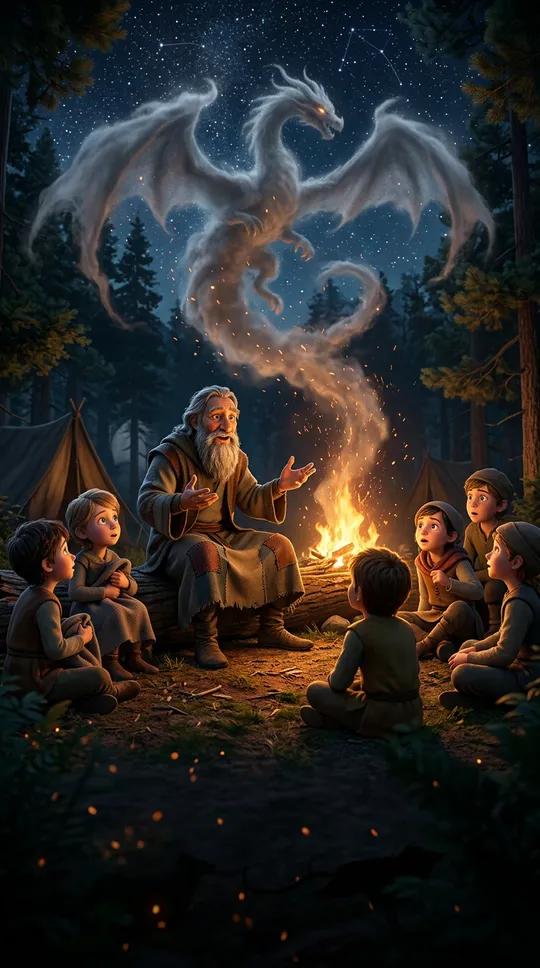
Legends & History · 120 s
Writing a good idea line
AI expands what your line says and invents what it doesn't. Give it a hero, a place and a conflict: “The cat mayor makes the fish market free for cats” becomes a far better video than “a funny cat video”. An era, a city or a mood sharpens the visuals too. Once the video is ready, regenerate any scene you don't like with a director's note; the rest stays as is.
Questions
Something else? Write to us
Is it free, and what does it cost?
Your first video is on us: a new account gets enough coins for a first narrated video. Talking, fully animated scenes cost more coins; every video's cost is shown before you make it. After that you buy one-time coin packs; there are no recurring charges and coins never expire. If a render fails, the coins are refunded automatically. Charges and refunds happen only on our servers and are logged.
What languages are supported?
The video is written and voiced in the app's language, English and Turkish included. In the few languages without voice support yet, the video is made in English.
How long does rendering take?
It depends on the video's length and number of scenes. You don't have to wait: leave the app, and if notifications are on we'll tell you when it's done.
Will my video have a watermark?
Videos made with gift coins carry a MythShot watermark and end card. Once you buy a coin pack, the videos you make have no watermark.
Does MythShot post for me?
No. MythShot suggests a title, caption and hashtags for TikTok, YouTube and Instagram; you upload the video from your phone's share sheet with your own account. MythShot never connects to your accounts.
Related guides
- Faceless video generatorMake faceless YouTube Shorts, TikTok and Reels without showing your face or voice: formats, a posting plan, sharing and platform rules.
- AI cartoon makerTurn a selfie or a description into a cartoon character and make lip-synced animated episodes where every character speaks in its own voice.
- AI documentary makerType a topic and get a narrated documentary in chapters, checked against sources. See the plan for free, then render it landscape or vertical.
- AI explainer videoAnimated explainer videos that answer one question in about a minute: the Explained in a Minute, Notebook Lesson and Rapid-Fire Facts formats.
- Coin packsThree coin packs priced by video time, a first video on us, video costs, refunds and bonus coin rules.
The next video is yours.
Get MythShot on the App Store and make your first video with gift coins.
Download on the App Store