AI documentary maker
MythShot's documentary mode splits a topic into chapters, writes the narration, checks the facts against reliable sources, and renders a narrated video with maps, timelines and number cards.
For history, science and mystery channels. Seeing the plan is free: read the script, fix it, drop scenes you don't want; coins are spent only when you approve the plan and render.

How to make a documentary
- 1
Type the topic
“How did Ötzi die?”, “The last day of Pompeii”, “How do planes fly?”. The app also has starter topic cards.
- 2
Format, length, orientation
Documentary (1, 3 or 5 minutes, landscape or vertical), In 60 seconds (vertical, for TikTok, Reels, Shorts) or Top 5 (numbered countdown, 1 or 3 minutes).
- 3
Look and voice
A card theme (Night, Paper or your own description, e.g. “old parchment, ink drawing”), the visuals (Simple: moving-camera stills; Cinematic: animated scenes) and a narrator voice.
- 4
Read the plan
AI writes the script and checks the facts; the plan comes back with chapters, scenes and a source list. Fix the narration, drop a scene, or have the plan rewritten for free.
- 5
Render and edit
Once you approve, the images are drawn, the narration is voiced, and info cards and video are put together. Open it in the editor if you like; switching the theme afterwards is free.
| Format | Length | Orientation |
|---|---|---|
| Documentary | 1, 3 or 5 minutes | Landscape 16:9 or vertical 9:16 |
| In 60 seconds | 1 minute | Vertical 9:16 |
| Top 5 | 1 or 3 minutes | Vertical or landscape |
The format cards in the app
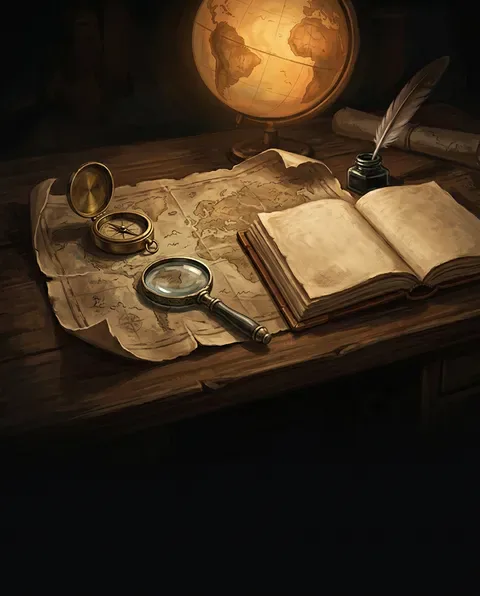
Documentary · chapters, narrated 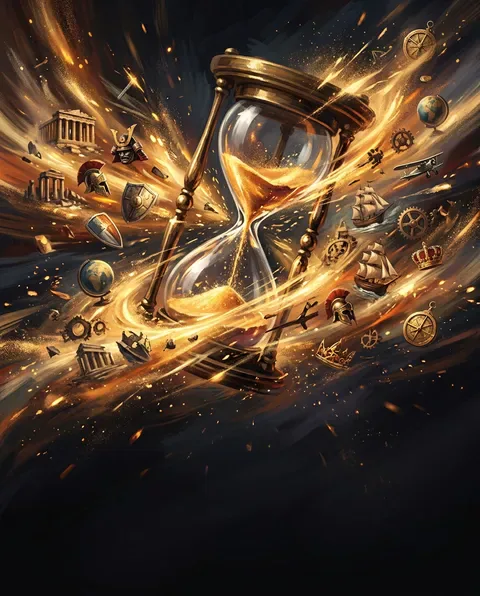
In 60 seconds · TikTok, Reels, Shorts 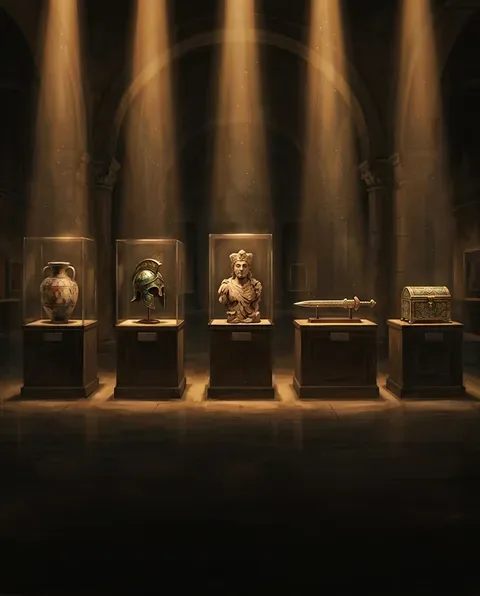
Top 5 · numbered countdown


Card types
Besides images and animated scenes, a documentary moves through info cards: title and chapter cards, maps, timelines, number and rank cards, item cards, labeled images and place cards. Cards are drawn in the theme you pick.
Questions
Something else? Write to us
How are facts checked?
While the plan is written, reliable sources are searched and the facts are compared against them; the plan shows the source list. The final read is still yours: read the narration before you post.
Do I pay for the plan?
No. Seeing, editing and rewriting the plan is free; coins are spent only when you approve it and tap Render. If the render fails, the coins are refunded.
Can I make a landscape documentary for YouTube?
Yes. The Documentary format renders landscape 16:9 or vertical 9:16, at 1, 3 or 5 minutes.
Will my video have a watermark?
Videos made with gift coins carry a MythShot watermark and end card. Once you buy a coin pack, the videos you make have no watermark.
Does MythShot post for me?
No. MythShot suggests a title, caption and hashtags for TikTok, YouTube and Instagram; you upload the video from your phone's share sheet with your own account. MythShot never connects to your accounts.
Related guides
- Faceless video generatorMake faceless YouTube Shorts, TikTok and Reels without showing your face or voice: formats, a posting plan, sharing and platform rules.
- AI explainer videoAnimated explainer videos that answer one question in about a minute: the Explained in a Minute, Notebook Lesson and Rapid-Fire Facts formats.
- Text to video AIType one line and get a narrated, subtitled vertical video for Reels, Shorts and TikTok. How text to video works in MythShot, step by step.
- Coin packsThree coin packs priced by video time, a first video on us, video costs, refunds and bonus coin rules.
The next video is yours.
Get MythShot on the App Store and make your first video with gift coins.
Download on the App Store