AI cartoon maker
MythShot is an AI cartoon maker for creators: build a character once from a selfie or a description, and it appears in every episode with the same face and voice, lip-synced.
For creators building a character channel: a cat mayor, a detective granny or a tiny dragon working in a tea house. Styles: 3D animation, anime, realistic. Characters and places are saved, so the series looks consistent from episode to episode.

How to make a cartoon episode
- 1
Build your character
Upload a selfie or describe the character in a few words; a series has up to 8 characters. Pick a voice for each.
- 2
Write the episode idea
One line: “The cat mayor makes the fish market free for cats”.
- 3
Review the script
AI writes the episode in 8–16 second scenes, with conflict from the first line and quick back-and-forth dialogue. A season plan ties episodes together.
- 4
Render the episode
Each scene comes alive on its own, every character speaks in its own voice and lips match. Subtitles, a hook card in the first second and an “Episode 2 soon” end card are added; episodes run 15 seconds to 3 minutes.
- 5
Edit and post
Regenerate a single line or scene and leave the rest as is. Episodes export as 1080p vertical video.
Series that started with one line
Posters of a few of the app's starter ideas, and an episode made in MythShot.
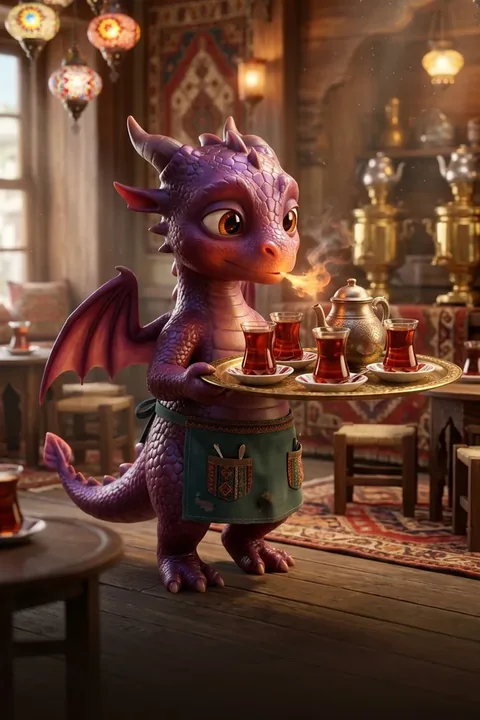
The Tea Dragon 
Granny Detective 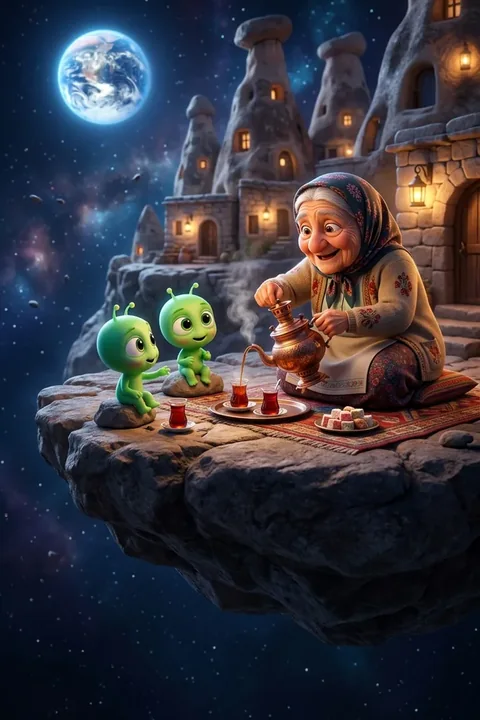
Space Village 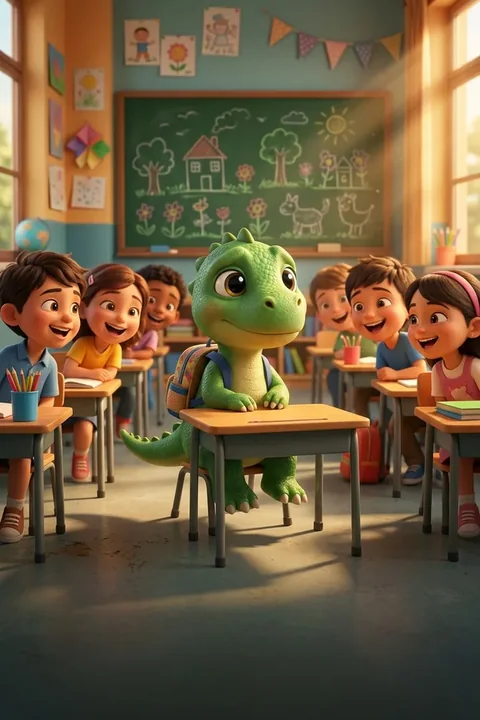
Dino Class 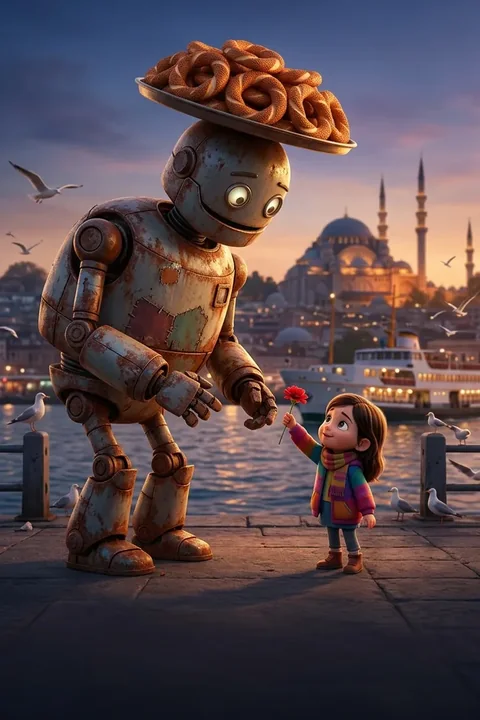
The Simit Robot 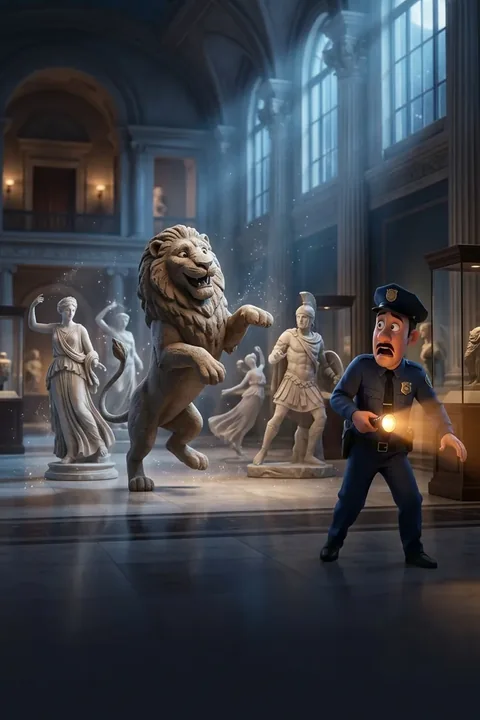
Museum Night Shift


| Feature | Single video | Series |
|---|---|---|
| Characters | Generated for the story | Built once, the same in every episode |
| Sound | Narrator or speech bubbles | Each character's own voice, lip-synced |
| Length | 30 seconds to 5 minutes | 15 seconds to 3 minutes |
| Good for | One-off stories | Character channels, ongoing stories |
Turning a single video into a series
If a single video lands, the “Turn this into a series” card on the result screen continues it with the same characters. That's the cheapest way to start a cartoon channel: test a few single videos, then turn the character people like into a series. Rules and unit costs are in the series studio guide. Series studio.
Questions
Something else? Write to us
Can my selfie become a cartoon character?
Yes. The selfie is used only to build your character, never to train models, and is deleted automatically after a short time. Prefer not to upload one? Describe the character instead. Using someone else's photo without permission is not allowed.
Does the character look the same in every episode?
Saved characters and places keep the same face, outfit and voice across episodes. AI results can vary slightly; regenerate any shot that drifts.
Is it free, and what does it cost?
Your first video is on us: a new account gets enough coins for a first narrated video. Talking, fully animated scenes cost more coins; every video's cost is shown before you make it. After that you buy one-time coin packs; there are no recurring charges and coins never expire. If a render fails, the coins are refunded automatically. Charges and refunds happen only on our servers and are logged.
Will my video have a watermark?
Videos made with gift coins carry a MythShot watermark and end card. Once you buy a coin pack, the videos you make have no watermark.
Does MythShot post for me?
No. MythShot suggests a title, caption and hashtags for TikTok, YouTube and Instagram; you upload the video from your phone's share sheet with your own account. MythShot never connects to your accounts.
Related guides
- Series studioCharacters, idea, fast-paced script, episode, editing and sharing: how to make your own animated series and what it costs.
- Text to video AIType one line and get a narrated, subtitled vertical video for Reels, Shorts and TikTok. How text to video works in MythShot, step by step.
- Bedtime story video makerMake narrated, subtitled animated bedtime story videos for a kids' story channel: formats, characters, voices and made-for-kids rules.
- App promo video makerAnimated promo videos for your app or product: brand mode, screenshots as scenes, your own voice-over, and the ad disclosure rules to follow.
- Privacy and face dataWhat your selfie is used for, how long it is kept, who can see it; model training, Google sign-in, deleting your account.
The next video is yours.
Get MythShot on the App Store and make your first video with gift coins.
Download on the App Store