Comic speech-bubble video maker
A speech-bubble video is an animated video you can watch on mute: instead of a voice-over, the lines appear in comic-style bubbles. In MythShot you write the idea in one line and choose silent with speech bubbles; the scenes are drawn and each bubble sits right above whoever is speaking.
For audiences who scroll with the sound off, comedy sketch accounts and multilingual channels. With no voice-over it's faster and cheaper to make; you pick the music and the pace.

How to make a speech-bubble video
- 1
Write the idea in one line
Who, where, what happens: “Grandma uses a smartphone for the first time and the phone can't understand her”.
- 2
Choose silent with bubbles
Pick speech bubbles as the voice: lines become bubbles and stay on screen as long as they take to read. The speakers are the figures from your idea; no cast needed.
- 3
Set the pace
In the edit style sheet, fast pace lines bubbles up tightly and slow pace leaves time to read. Character intros, punch-in zoom and loop endings are optional.
- 4
Edit
In the editor, drag a bubble, change its text, add music and stickers. Bubbles appear without animation and never leave the frame.
- 5
Save and share
The video saves to your phone, and you post it yourself with a ready caption for TikTok, Reels and Shorts.
Ideas that work as speech-bubble videos
A few of the app's starter ideas.
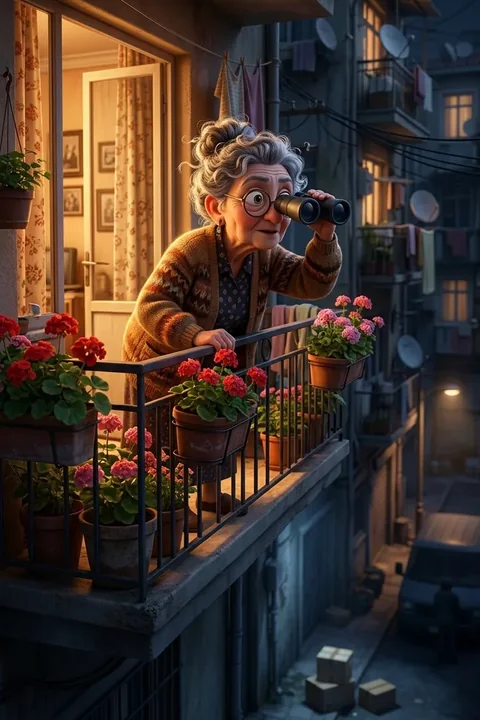
Granny Detective 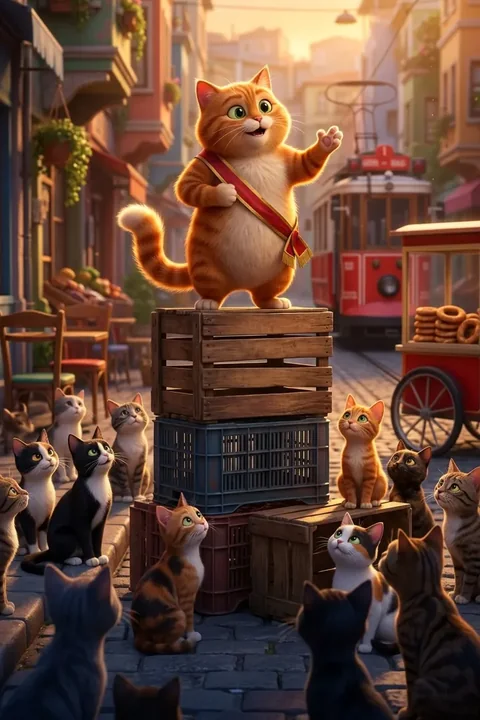
The Cat Mayor 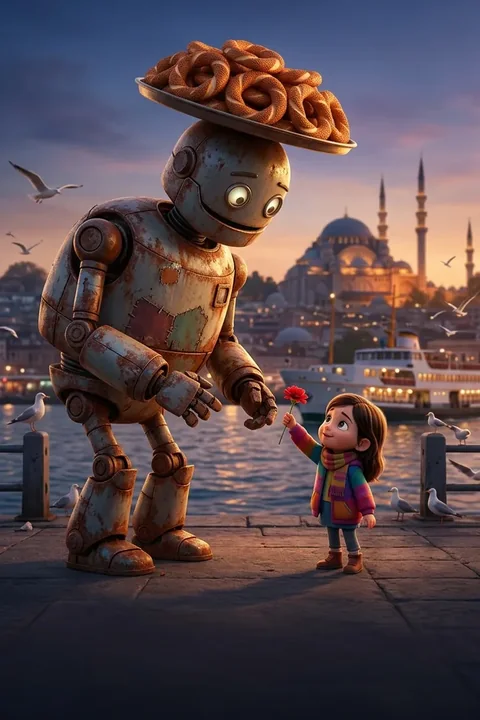
The Simit Robot 
Super Grocer


| Voiced | Speech bubbles | |
|---|---|---|
| Sound | Character voices, lip sync | None; music is your choice |
| Best for | Sound-on viewers, series | Sound-off viewers, sketch accounts |
| Language | Voiced in the video's language | Bubble text in the video's language |
Questions
Something else? Write to us
What if a bubble lands in the wrong place?
Each bubble is placed above the speaker found in the frame and kept inside it. If you still want it elsewhere, drag it in the editor.
Can I add a voice later?
In the editor you can add music and your own voice-over; for character voices, make the same idea as a voiced video.
Is it free, and what does it cost?
Your first video is on us: a new account gets enough coins for a first narrated video. Talking, fully animated scenes cost more coins; every video's cost is shown before you make it. After that you buy one-time coin packs; there are no recurring charges and coins never expire. If a render fails, the coins are refunded automatically. Charges and refunds happen only on our servers and are logged.
Does MythShot post for me?
No. MythShot suggests a title, caption and hashtags for TikTok, YouTube and Instagram; you upload the video from your phone's share sheet with your own account. MythShot never connects to your accounts.
Related guides
- AI cartoon makerTurn a selfie or a description into a cartoon character and make lip-synced animated episodes where every character speaks in its own voice.
- Faceless video generatorMake faceless YouTube Shorts, TikTok and Reels without showing your face or voice: formats, a posting plan, sharing and platform rules.
- Text to video AIType one line and get a narrated, subtitled vertical video for Reels, Shorts and TikTok. How text to video works in MythShot, step by step.
- Coin packsThree coin packs priced by video time, a first video on us, video costs, refunds and bonus coin rules.
The next video is yours.
Get MythShot on the App Store and make your first video with gift coins.
Download on the App Store